 # ExcaliDash


[](https://hub.docker.com)
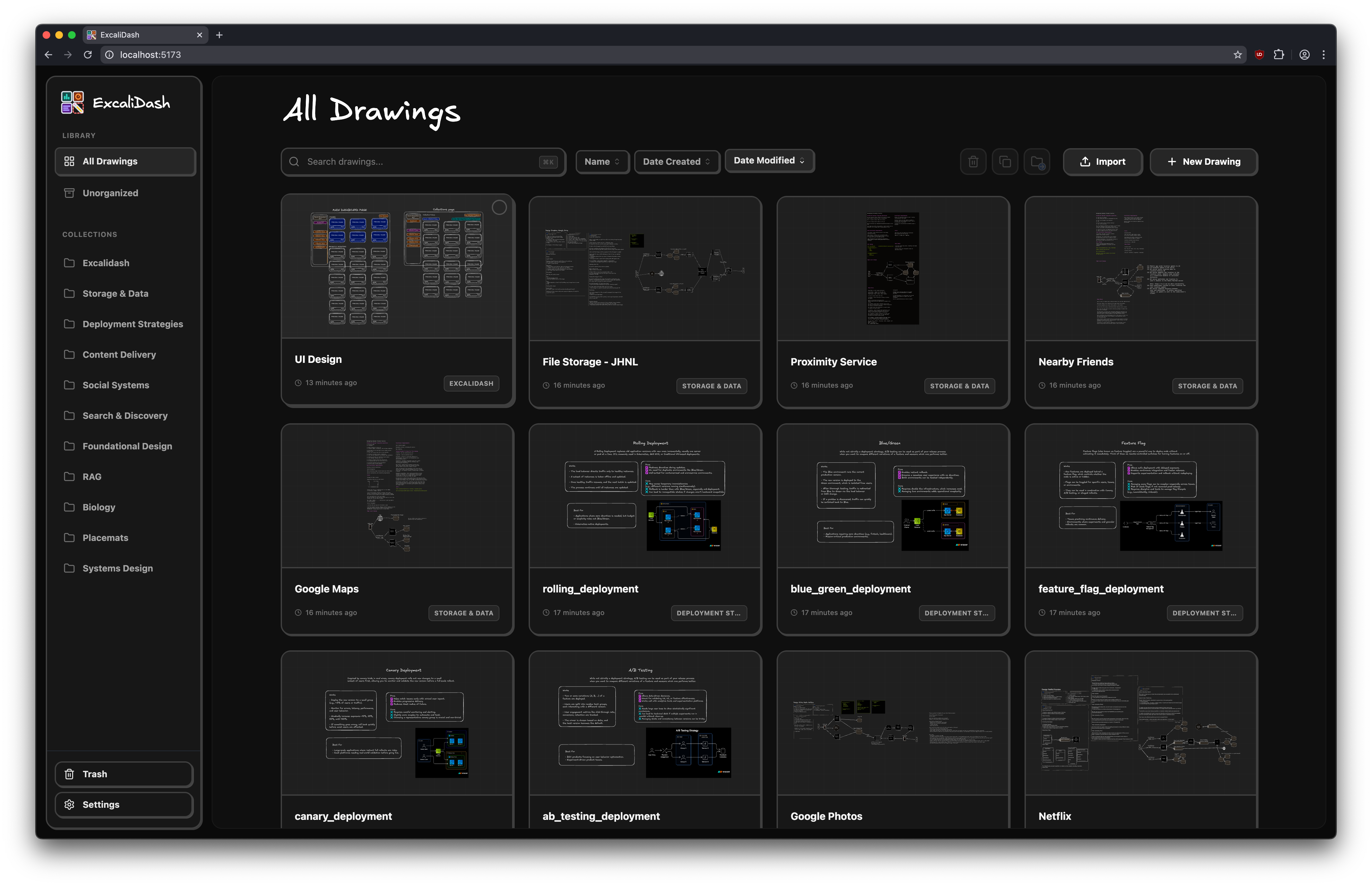
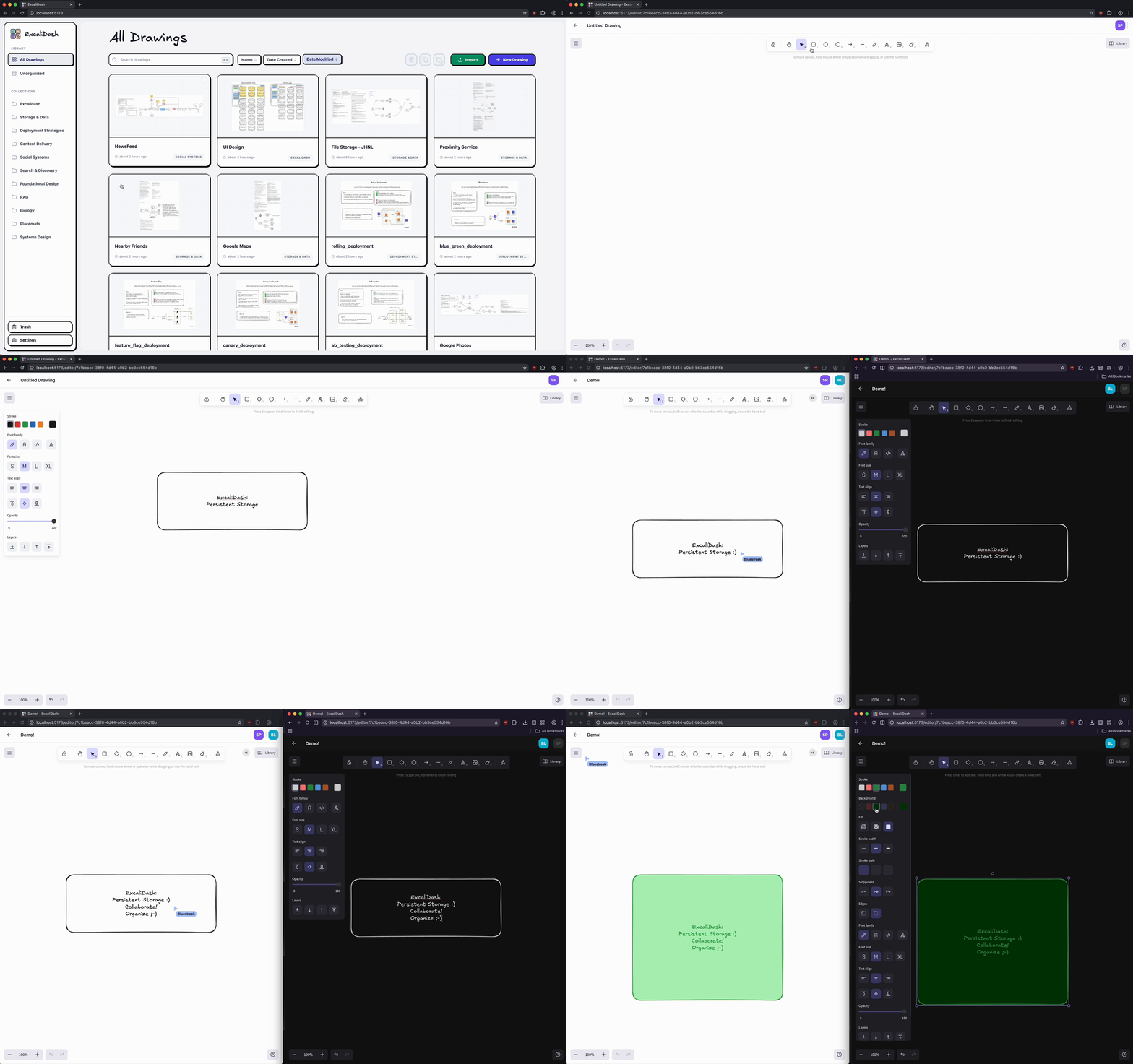
A self-hosted dashboard and organizer for [Excalidraw](https://github.com/excalidraw/excalidraw) with live collaboration features.
## Screenshots
## Table of Contents
- [Screenshots](#screenshots)
- [Features](#features)
- [Upgrading](#upgrading)
- [Installation](#installation)
- [Docker Hub (Recommended)](#dockerhub-recommended)
- [Docker Build](#docker-build)
- [Reverse Proxy / Traefik Setups](#reverse-proxy--traefik-setups-docker)
- [Multi-Container / Kubernetes Deployments](#multi-container--kubernetes-deployments)
- [Development](#development)
- [Clone the Repository](#clone-the-repository)
- [Frontend](#frontend)
- [Backend](#backend)
- [Project Structure](#project-structure)
- [Credits](#credits)
## Features
# ExcaliDash


[](https://hub.docker.com)
A self-hosted dashboard and organizer for [Excalidraw](https://github.com/excalidraw/excalidraw) with live collaboration features.
## Screenshots


## Table of Contents
- [Screenshots](#screenshots)
- [Features](#features)
- [Upgrading](#upgrading)
- [Installation](#installation)
- [Docker Hub (Recommended)](#dockerhub-recommended)
- [Docker Build](#docker-build)
- [Reverse Proxy / Traefik Setups](#reverse-proxy--traefik-setups-docker)
- [Multi-Container / Kubernetes Deployments](#multi-container--kubernetes-deployments)
- [Development](#development)
- [Clone the Repository](#clone-the-repository)
- [Frontend](#frontend)
- [Backend](#backend)
- [Project Structure](#project-structure)
- [Credits](#credits)
## Features
Persistent storage for all your drawings
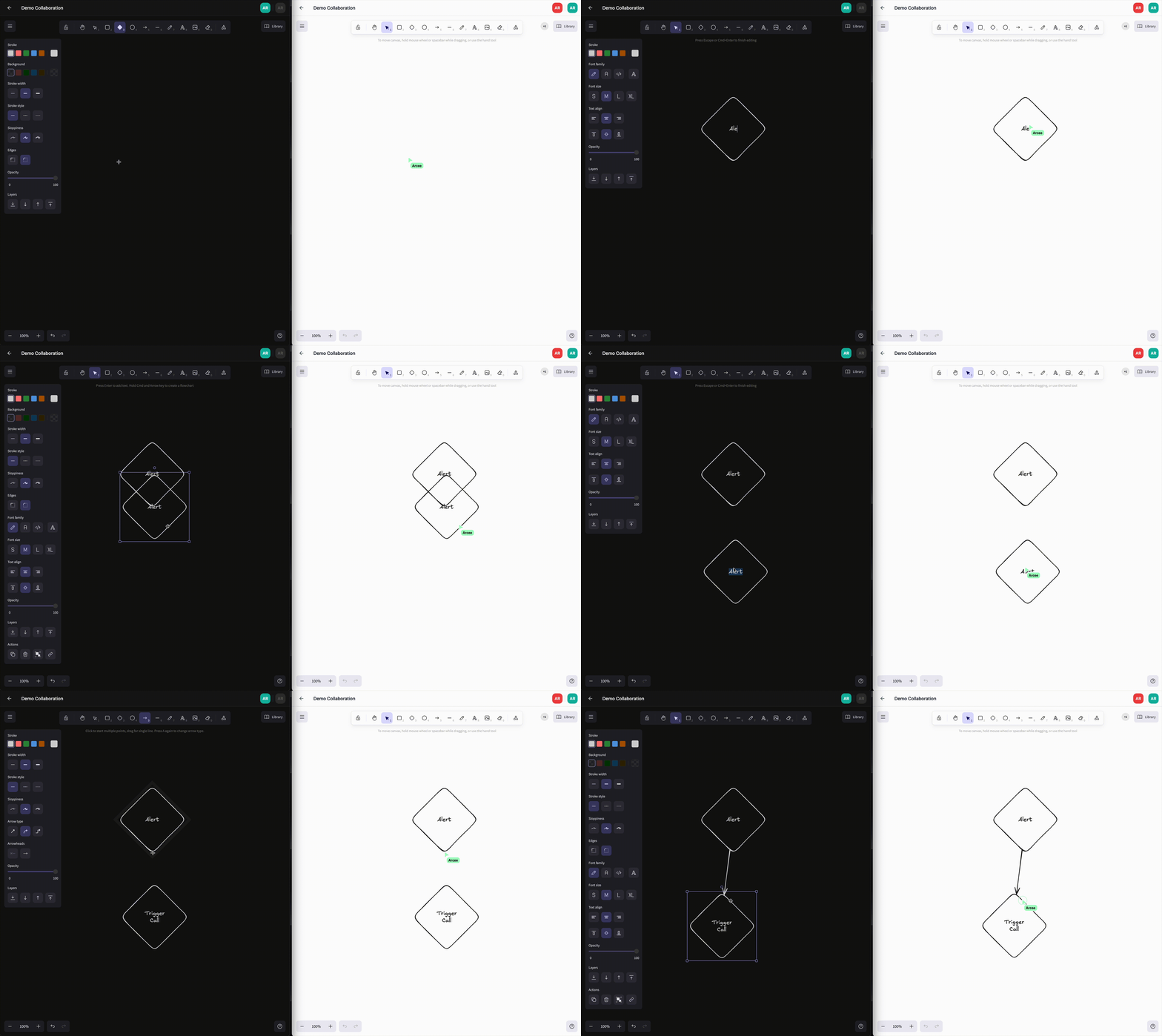
Real time collaboration
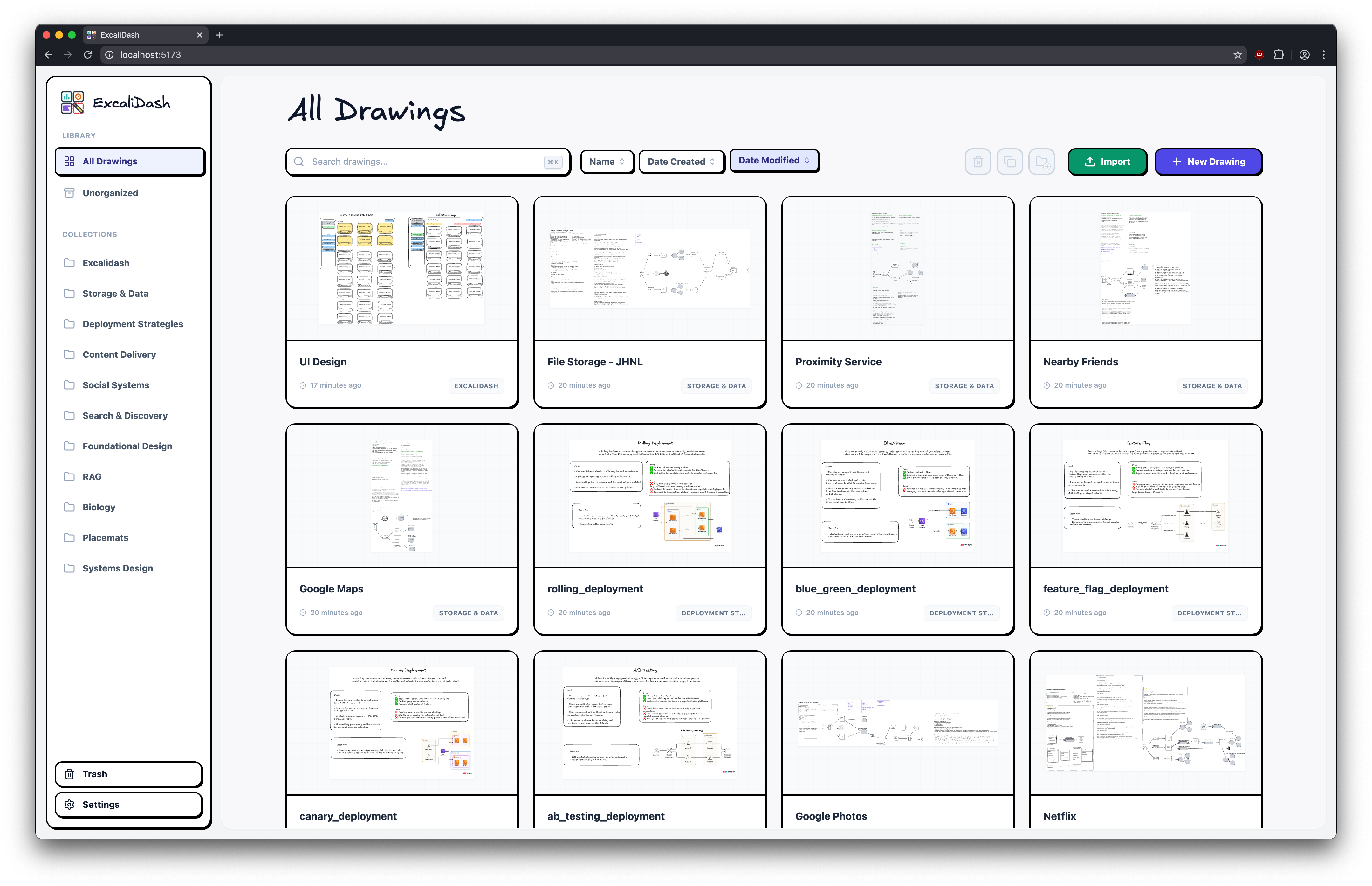
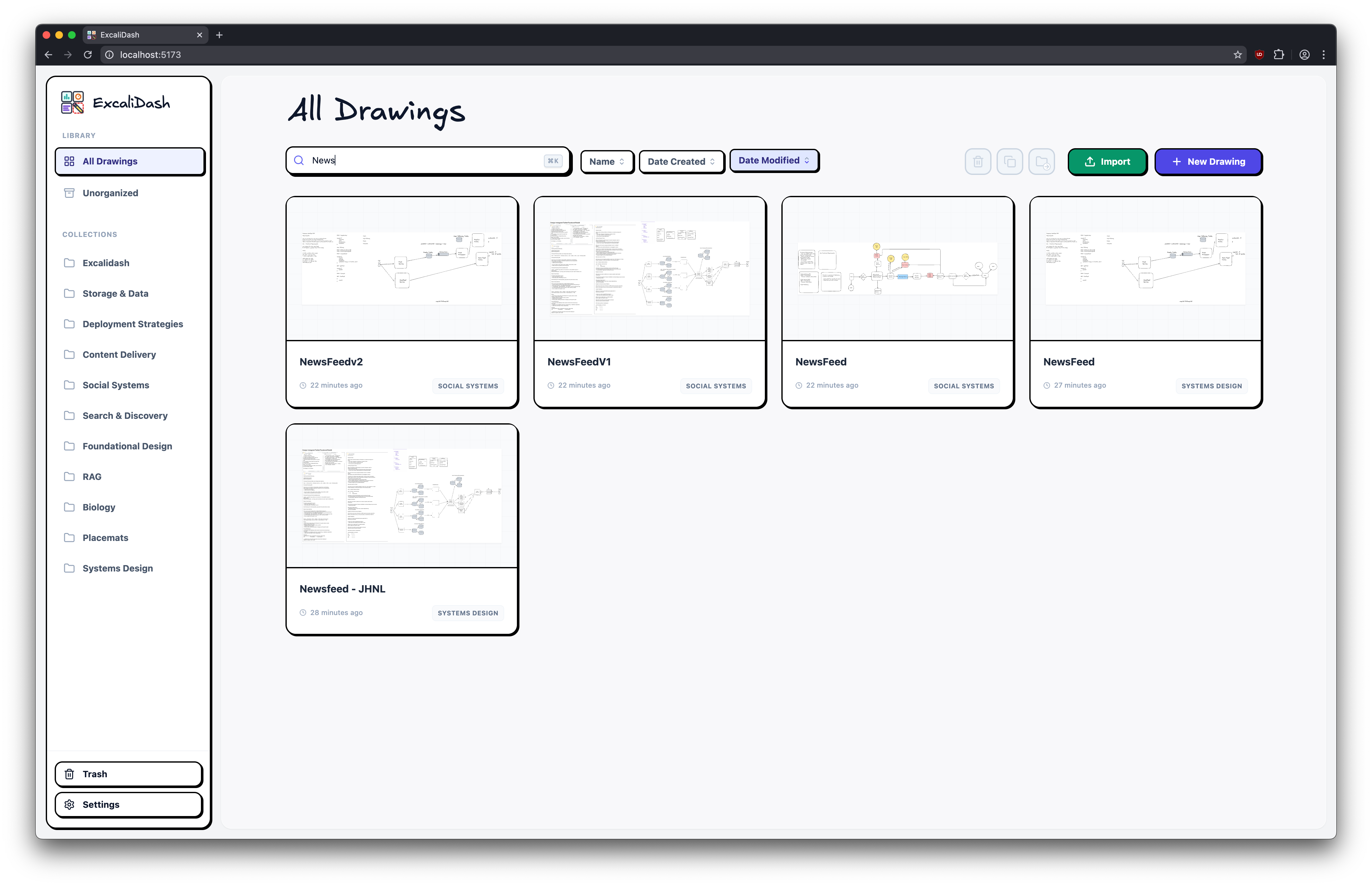
Search your drawings
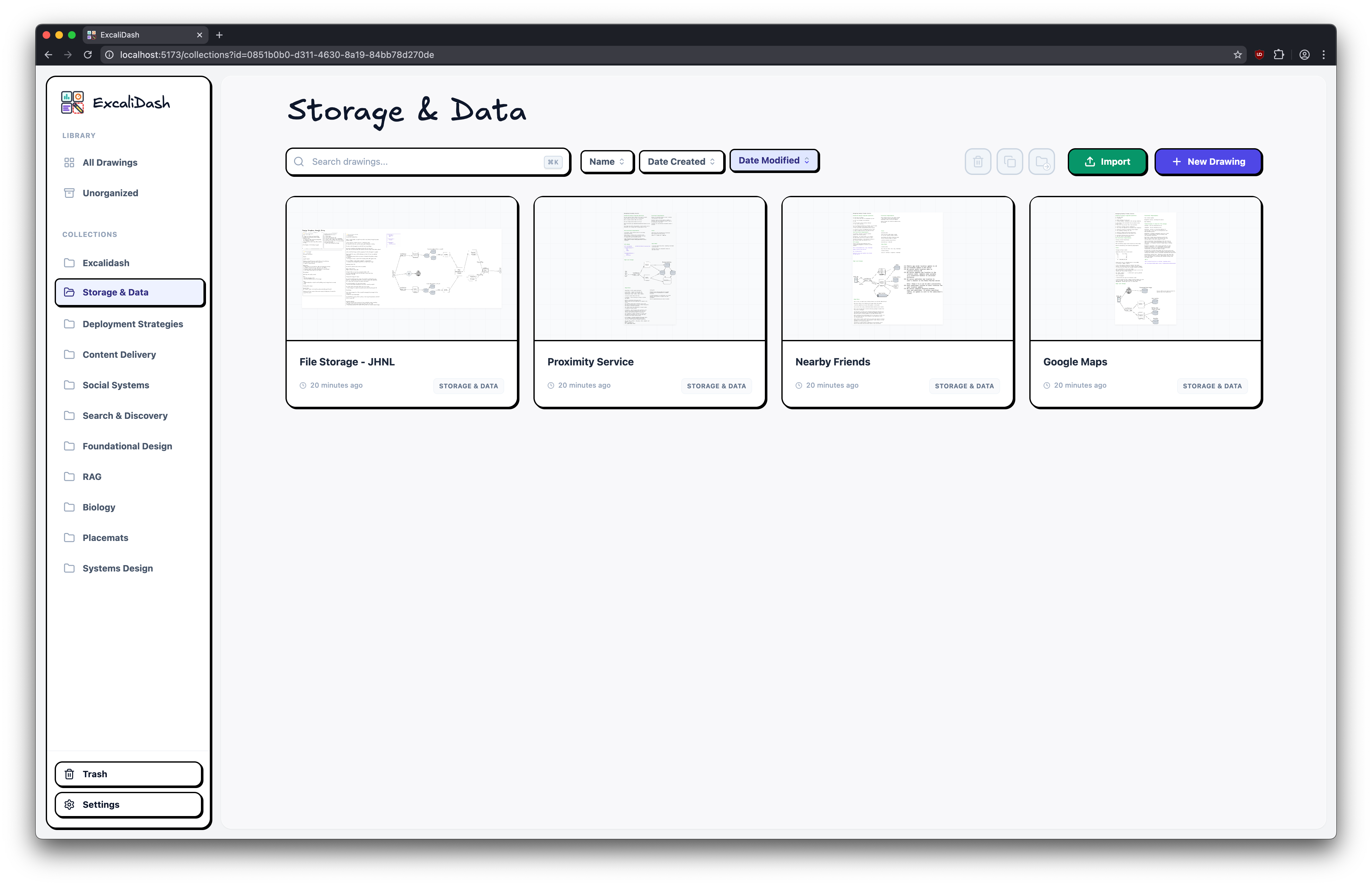
Drag and drop drawings into collections
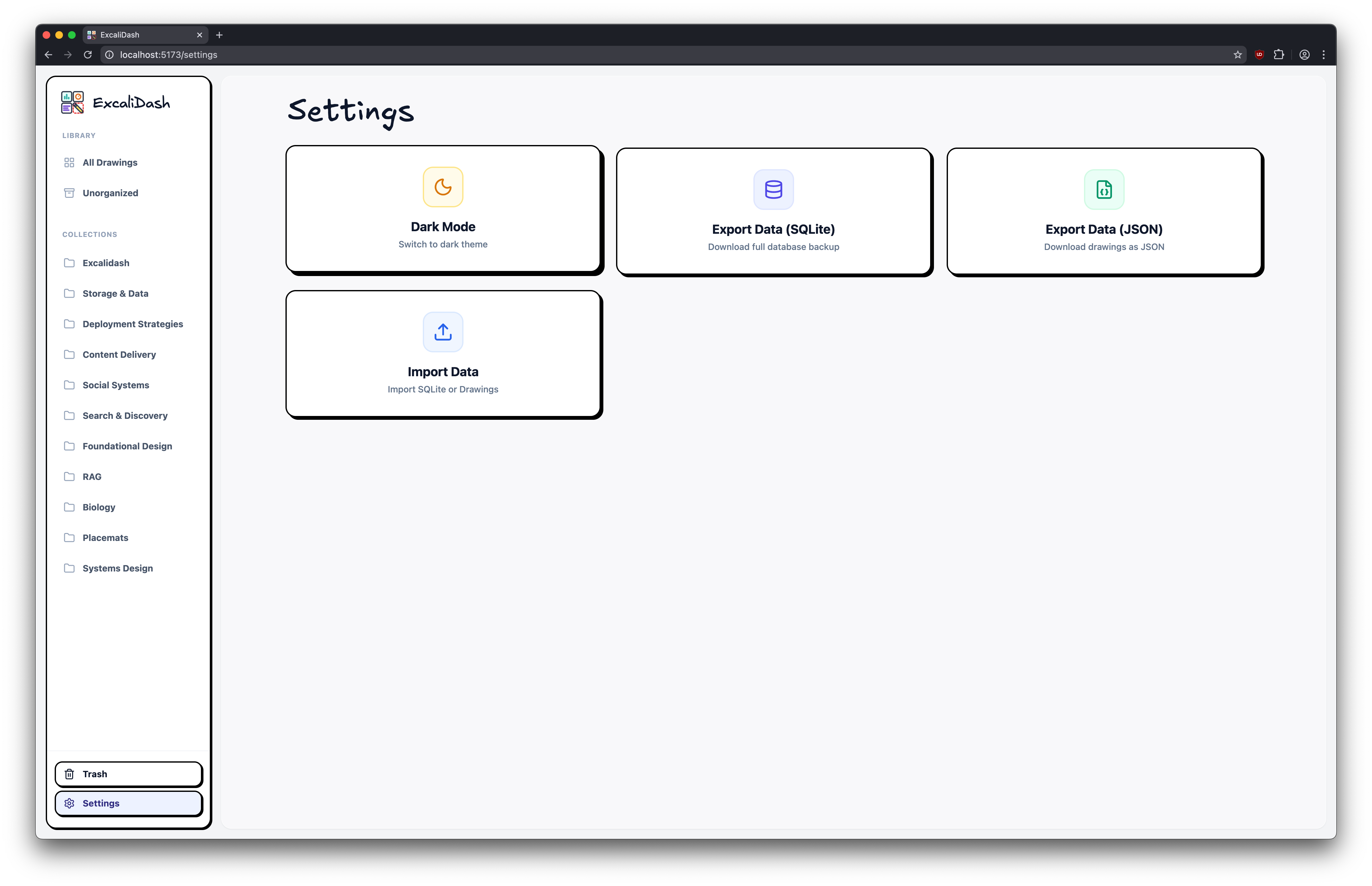
Export/import your drawings and databases for backup
# Upgrading
See [release notes](https://github.com/ZimengXiong/ExcaliDash/releases) for a specific release.
# Installation
> [!CAUTION]
> NOT for production use. While attempts have been made at hardening (XSS/dompurify, CORS, rate-limiting, sanitization), they are inadequate for public deployment. Do not expose any ports.
> [!CAUTION]
> ExcaliDash is in BETA. Please backup your data regularly (e.g. with cron).
## Docker Hub (Recommended)
[Install Docker](https://docs.docker.com/desktop/)
```bash
# Download docker-compose.prod.yml
curl -OL https://raw.githubusercontent.com/ZimengXiong/ExcaliDash/refs/heads/main/docker-compose.prod.yml
# Pull images
docker compose -f docker-compose.prod.yml pull
# Run container
docker compose -f docker-compose.prod.yml up -d
# Access the frontend at localhost:6767
```
## Docker Build
[Install Docker](https://docs.docker.com/desktop/)
```bash
# Clone the repository (recommended)
git clone git@github.com:ZimengXiong/ExcaliDash.git
# or, clone with HTTPS
# git clone https://github.com/ZimengXiong/ExcaliDash.git
docker compose build
docker compose up -d
# Access the frontend at localhost:6767
```
### Reverse Proxy / Traefik Setups (Docker)
When running ExcaliDash behind Traefik, Nginx, or another reverse proxy, configure both containers so that API + WebSocket calls resolve correctly:
- `FRONTEND_URL` (backend) must match the public URL that users hit (e.g. `https://excalidash.example.com`). This controls CORS and Socket.IO origin checks.
- `BACKEND_URL` (frontend) tells the Nginx container how to reach the backend from inside Docker/Kubernetes. Override it if your reverse proxy exposes the backend under a different hostname.
```yaml
# docker-compose.yml example
backend:
environment:
- FRONTEND_URL=https://excalidash.example.com
frontend:
environment:
# For standard Docker Compose (default)
# - BACKEND_URL=backend:8000
# For Kubernetes, use the service DNS name:
- BACKEND_URL=excalidash-backend.default.svc.cluster.local:8000
```
### Multi-Container / Kubernetes Deployments
When running multiple backend replicas (e.g., Kubernetes, Docker Swarm, or load-balanced containers), you **must** set the `CSRF_SECRET` environment variable to the same value across all instances.
```bash
# Generate a secure secret
openssl rand -base64 32
```
```yaml
# docker-compose.yml or k8s deployment
backend:
environment:
- CSRF_SECRET=your-generated-secret-here
```
Without this, each container generates its own ephemeral CSRF secret, causing token validation failures when requests are routed to different replicas. Single-container deployments work without this setting.
### Optional Authentication
ExcaliDash can enforce a single username/password to protect the dashboard and API.
Set these backend environment variables to enable it:
```bash
AUTH_USERNAME=admin
AUTH_PASSWORD=change-me
# Recommended: keep sessions stable across restarts
AUTH_SESSION_SECRET=your-random-secret
# Optional (default: 168 hours)
AUTH_SESSION_TTL_HOURS=168
# Optional (default: excalidash_auth)
AUTH_COOKIE_NAME=excalidash_auth
# Optional: lax | strict | none (use "none" for cross-site hosting)
AUTH_COOKIE_SAMESITE=lax
```
When enabled, the UI prompts for a login before accessing any drawings,
and all API/WebSocket traffic requires the session cookie.
# Development
## Clone the Repository
```bash
# Clone the repository (recommended)
git clone git@github.com:ZimengXiong/ExcaliDash.git
# or, clone with HTTPS
# git clone https://github.com/ZimengXiong/ExcaliDash.git
```
## Frontend
```bash
cd ExcaliDash/frontend
npm install
# Copy environment file and customize if needed
cp .env.example .env
npm run dev
```
## Backend
```bash
cd ExcaliDash/backend
npm install
# Copy environment file and customize if needed
cp .env.example .env
# Generate Prisma client and setup database
npx prisma generate
npx prisma db push
npm run dev
```
## Project Structure
```
ExcaliDash/
├── backend/ # Node.js + Express + Prisma
│ ├── src/
│ │ └── index.ts # Main server file
│ ├── prisma/
│ │ ├── schema.prisma # Database schema
│ │ └── dev.db # SQLite database
│ └── package.json
├── frontend/ # React + TypeScript + Vite
│ ├── src/
│ │ ├── components/ # React components
│ │ ├── pages/ # Page components
│ │ ├── hooks/ # Custom hooks
│ │ └── api/ # API client
│ └── package.json
└── README.md
```
# Credits
- Example designs from:
- https://github.com/Prakash-sa/system-design-ultimatum/tree/main
- https://github.com/kitsteam/excalidraw-examples/tree/main
- [The Amazing work of Excalidraw developers](https://www.npmjs.com/package/@excalidraw/excalidraw)